Example projects

Realistic ways custom software can help

These are illustrative example projects, not client case studies. They show the kinds of problems Software You Own can help with.

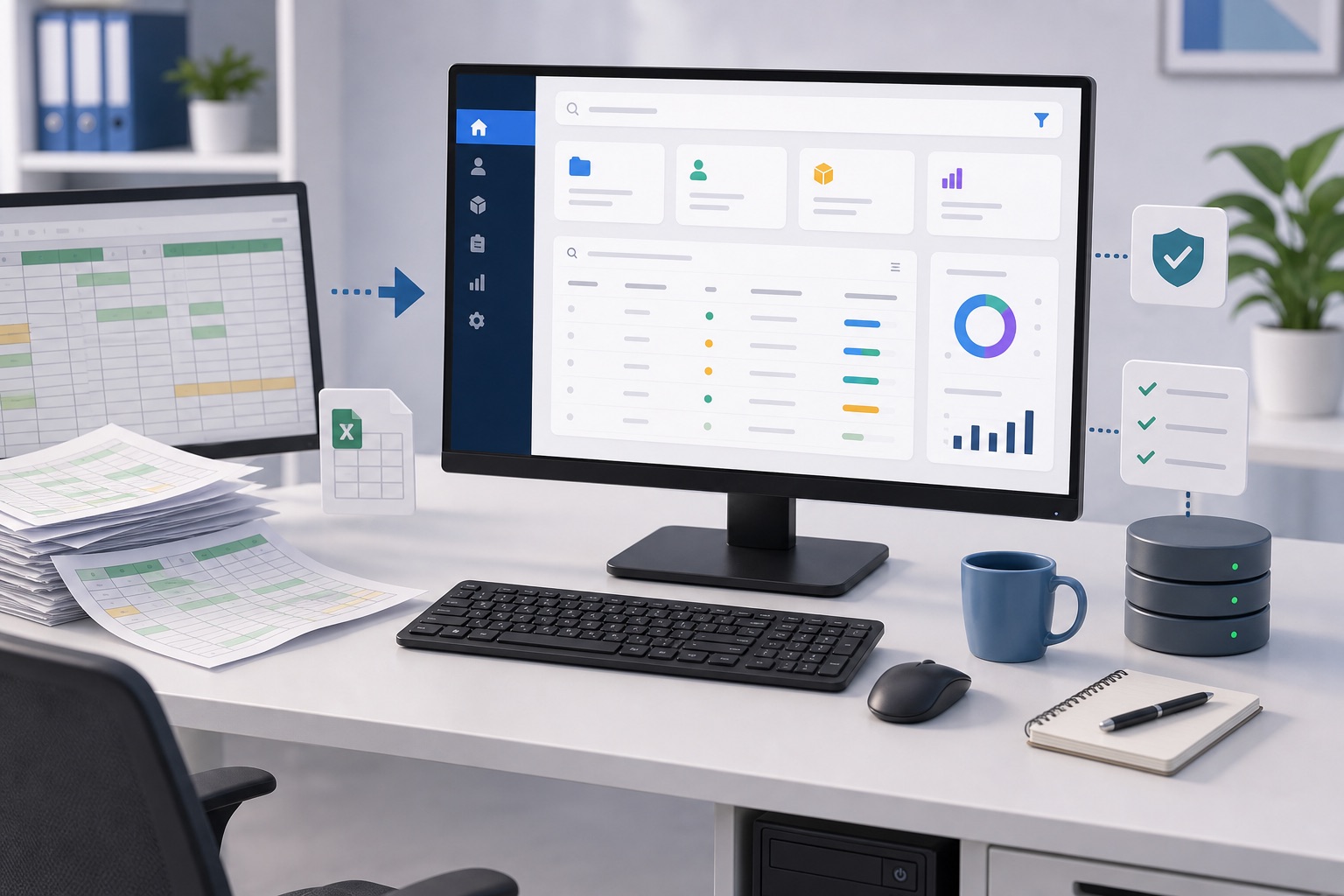
Replacing a business-critical spreadsheet

Scenario: A team tracks jobs, customers or stock in a spreadsheet that has grown too important and too fragile.

Problem

  • Multiple people editing copies
  • Mistakes are hard to track
  • Reporting is manual
  • No clear permissions
  • Hard to use on mobile

Possible solution

  • Simple secure web app
  • Shared database
  • Search and filters
  • Validation rules
  • Exportable reports
  • Optional PDF generation

Benefits

  • Fewer errors
  • Easier reporting
  • Better visibility
  • Less dependency on one spreadsheet expert

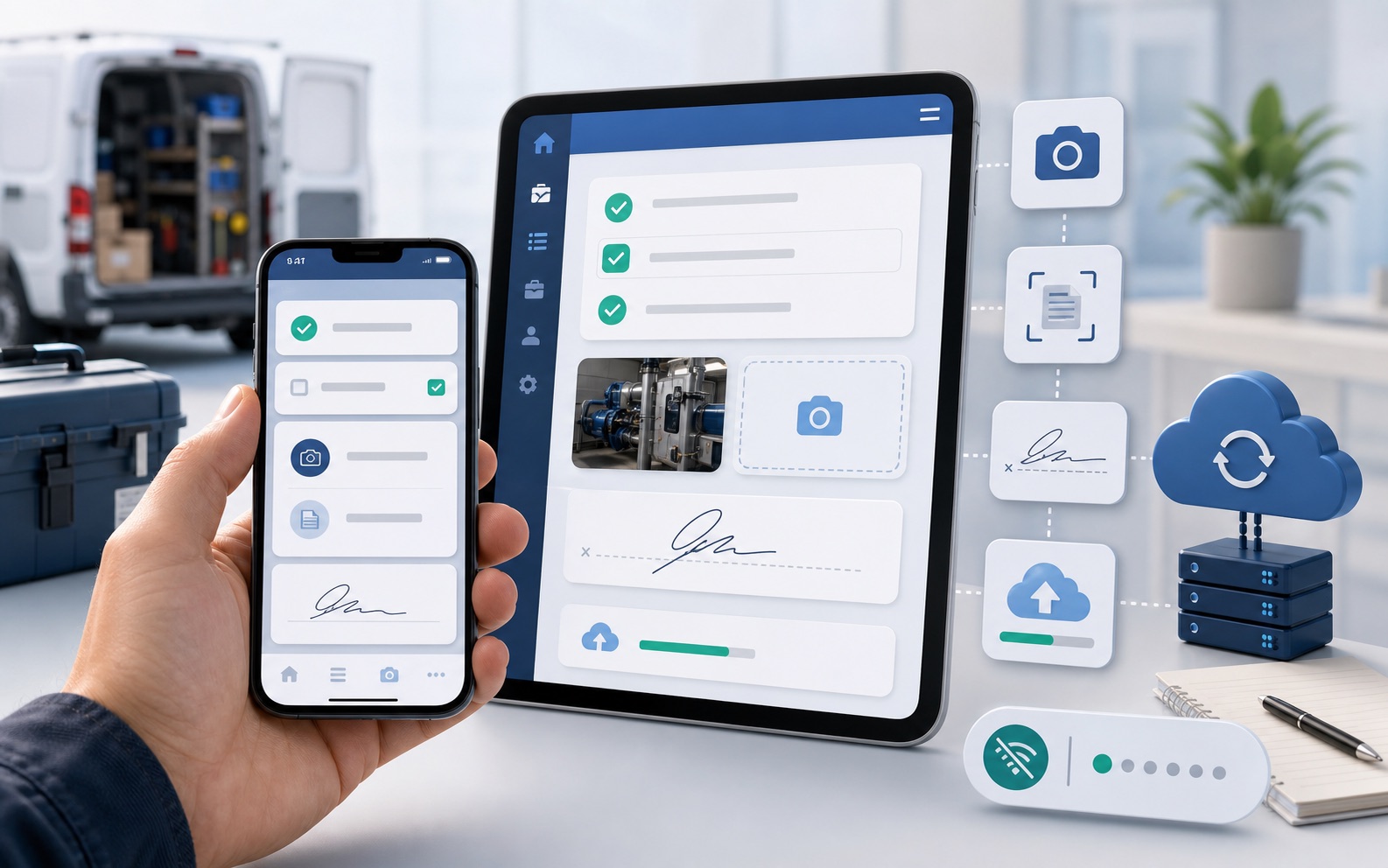
A focused mobile app for staff or customers

Scenario: A business needs staff to capture information away from the office or wants customers to interact with a simple app.

Problem

  • Paper forms
  • Photos sent through messages
  • Delayed updates
  • Information retyped later
  • Hard to track job status

Possible solution

  • iPhone/iPad app
  • Job checklist
  • Photo capture
  • Document scanning
  • Customer signature or confirmation
  • Sync to backend
  • Offline-friendly behaviour if required

Benefits

  • Faster updates
  • Better quality data
  • Less admin
  • Better customer experience

James has strong experience building mobile apps and the backend services that support them.

Connecting the tools you already use

Scenario: A business already likes its accounting, booking or CRM system, but information is spread across several tools.

Problem

  • Staff switch between systems
  • Management reports take too long
  • Data is copied manually
  • No single view of what is happening

Possible solution

  • Custom dashboard
  • API integrations where available
  • Scheduled imports/exports
  • Reporting layer
  • Alerts or reminders

Benefits

  • Keep the tools that work
  • Reduce manual copying
  • Better visibility
  • Avoid unnecessary replacement

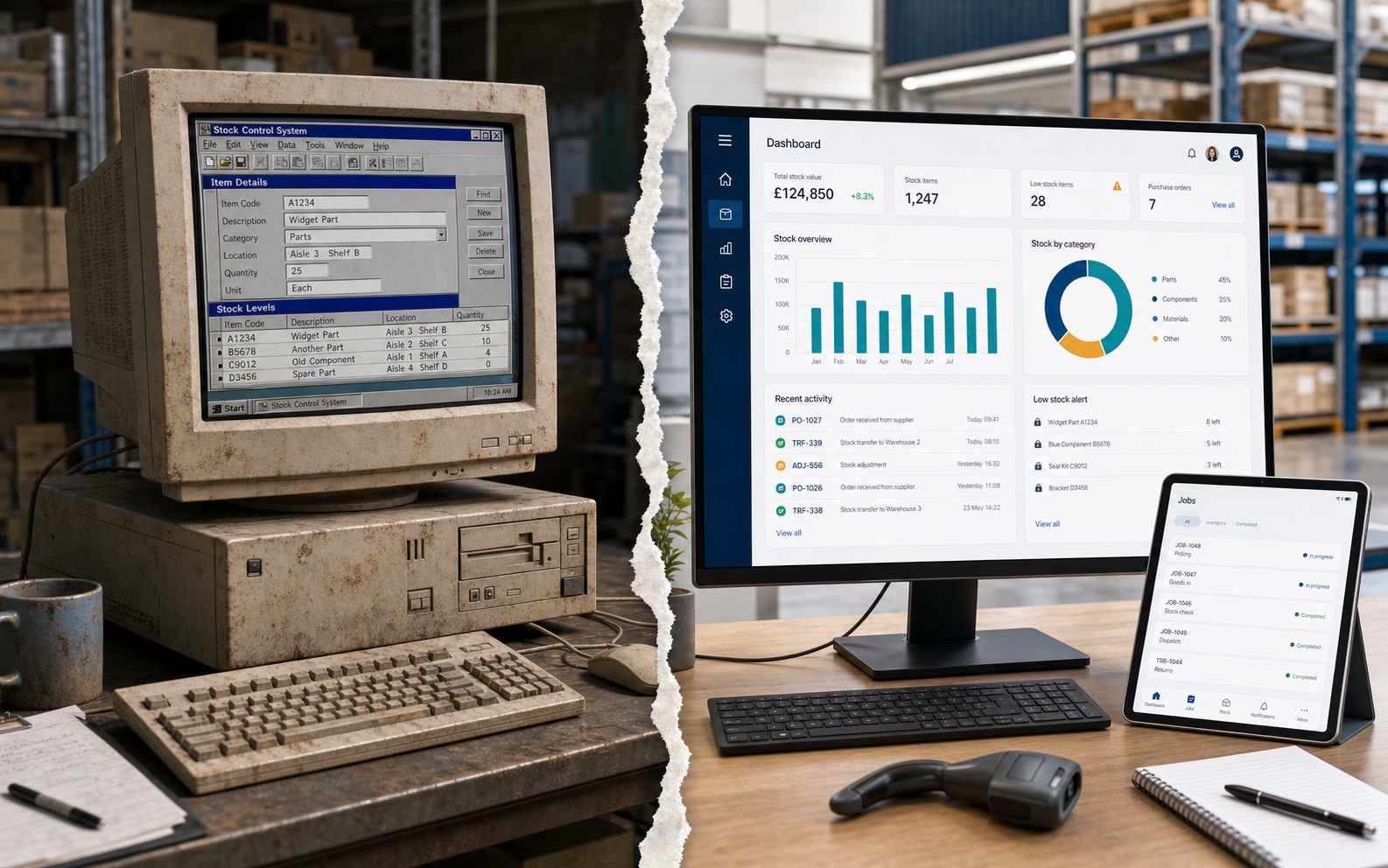
Replacing one expensive workaround

Scenario: A company pays for several SaaS tools, but one or two are only used for a small feature.

Problem

  • Monthly costs keep growing
  • Tools overlap
  • Staff still use spreadsheets
  • The software does not quite match the process

Possible solution

  • Identify what is genuinely needed
  • Keep valuable SaaS tools
  • Replace one awkward or expensive part with a small owned system
  • Integrate where useful

Benefits

  • Clearer costs
  • Less duplication
  • Better fit
  • No unnecessary big rebuild

A simple portal for customers, staff or partners

Scenario: A business needs a secure place for people to view information, upload files, request updates or complete tasks.

Problem

  • Requests arrive by email
  • Files are hard to track
  • Customers ask for updates manually
  • Staff duplicate admin work

Possible solution

  • Secure portal
  • Login-based access
  • Uploads
  • Status updates
  • Notifications
  • Admin dashboard

Benefits

  • Better communication
  • Reduced admin
  • Clearer process
  • More professional experience

Automated reports, PDFs and documents

Scenario: A business creates regular reports, certificates, invoices, summaries or documents manually.

Problem

  • Copy/paste work
  • Formatting inconsistencies
  • Manual errors
  • Time-consuming admin

Possible solution

  • Data entry workflow
  • Templates
  • PDF generation
  • Email-ready outputs
  • Audit trail if needed

Benefits

  • Saves time
  • More consistent documents
  • Fewer mistakes
  • Easier repeatability

Have a similar workflow to discuss?

The initial consultation is free. Any paid work is agreed in writing before development begins.

Book a free initial consultation